
Tavern Master Kitchen Guide
A larger menu does not fix a slow kitchen. Make every cook reach the right station, keep pickup short and add capacity where the queue proves it is needed. This Australia edition keeps official Steam facts identical while using regional English and dated platform guidance.
- Confirm the recipe is enabled and required equipment is reachable.
- Keep cooks and serving staff from crossing in one narrow entrance.
- Use a shorter menu while diagnosing a stalled station.
- Treat ingredient limits as version-sensitive unless the current UI confirms them.
Trace one meal from order to table
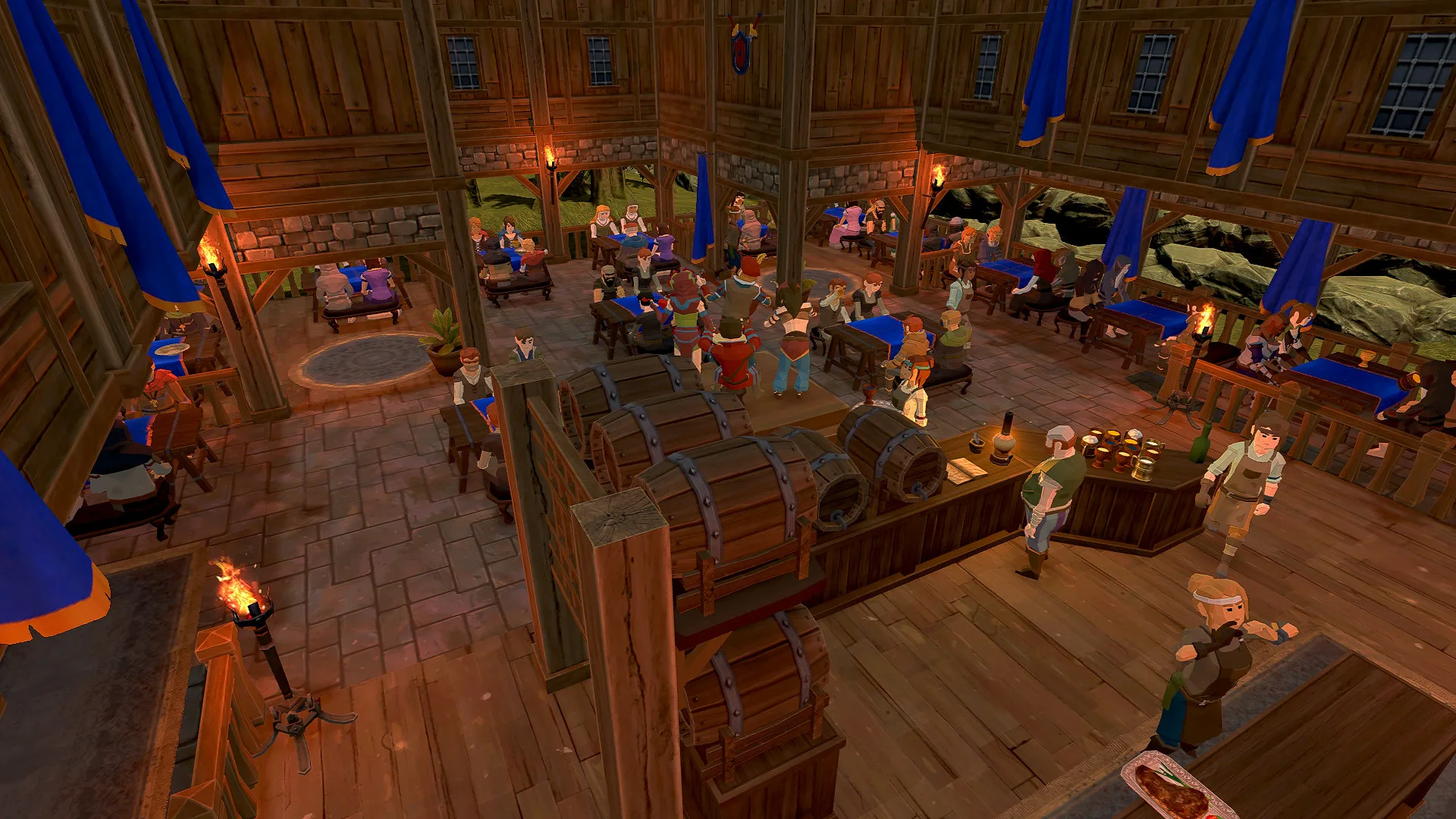
- 01
Check the menu
Verify the dish is active and the required ingredient is available.
- 02
Check the station
Make sure the cook can reach the equipment without using another kitchen’s path.
- 03
Check pickup
Leave space for the waitress to collect food without blocking the cook.
- 04
Check the return trip
A distant dining area can make a healthy kitchen look slow because finished food waits on transport.
Match the fix to the symptom
- Cook is idle
- Check active recipes, ingredients, station access and floor assignment.
- Cook walks to another kitchen
- Separate access or give each kitchen a complete station set.
- Food waits after cooking
- Shorten waitress travel and clear the pickup edge.
- One dish dominates the queue
- Reduce the menu temporarily or add the bottleneck station.
Be careful with ingredient-limit advice
Search demand includes questions about increasing maximum cooking ingredients, but no current official table was found. Use the number shown in the live game UI and treat old forum totals as historical.
Quick answers
Why is my chef not cooking?+
Check the active dish, ingredients, reachable station and correct floor assignment.
Should every floor have a kitchen?+
Only when travel time and order volume justify it, and only with a complete usable path.
S1, S4, S9 · 2026-11-16
Open the source ledger →